 COME
COMEConfirm your COME session after first opening
After the app opens, check the account context before interpreting personal menus. Installation completion and an active account session are separate facts.
Look at the current screen
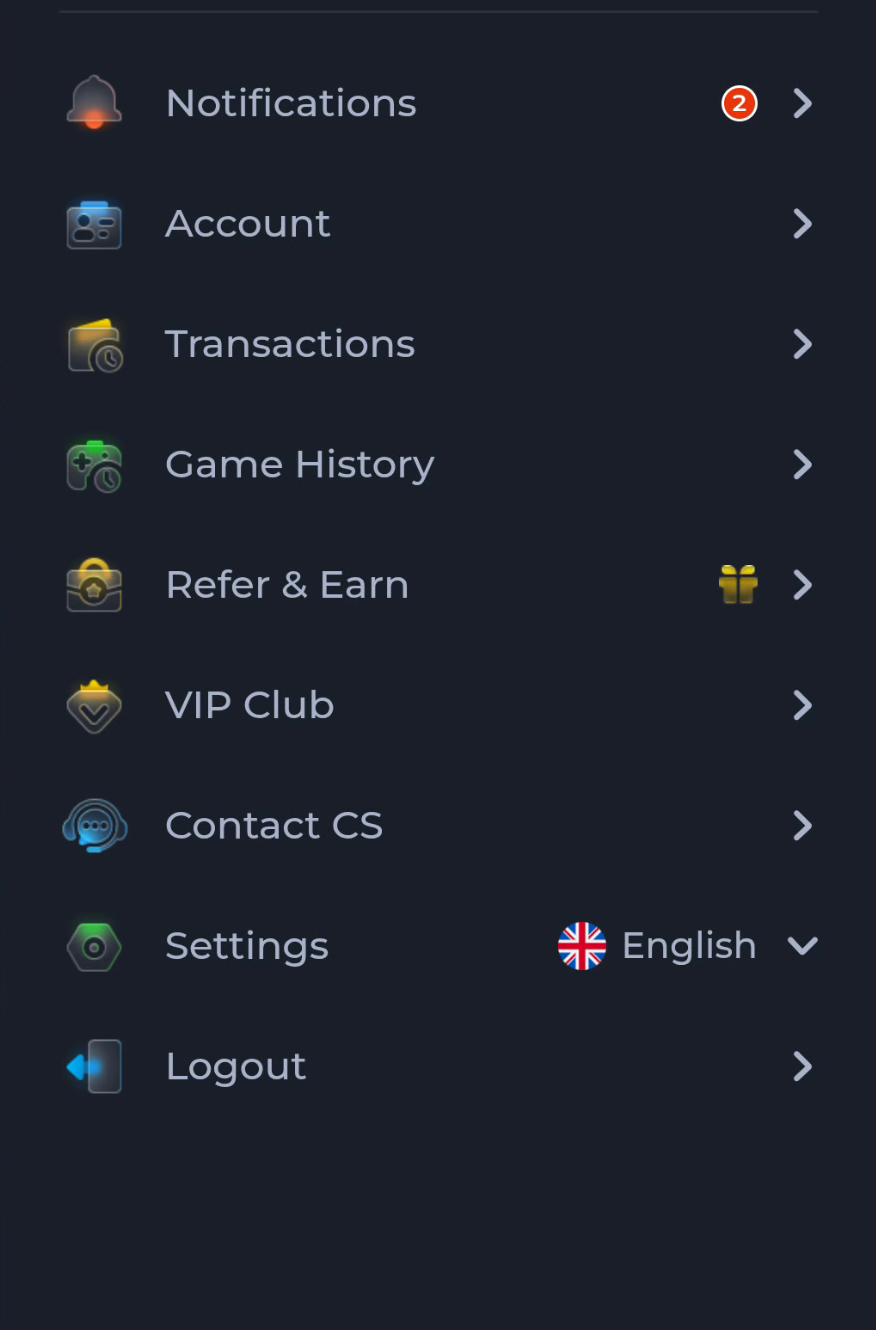
A sign-in page, account menu or general home screen indicates a different next task. Do not assume an old account was restored automatically. Use the normal account area to check the identity available to you.
Use recovery when appropriate
If the intended account is not accessible, follow the current login or recovery route. Downloading the installer again is not an account-selection mechanism. Keep codes and passwords private while describing the issue.
Read personal sections in context
Transactions and Game History relate to the active account and service view. A different session or filter can change what you see. Avoid clearing data or creating another account before identifying the context.
A useful next step
Continue with the intended account, or use the service's displayed help route for an account-specific question.